2023 — UX/UI Designer
OASIS
Designing a searchable media archive with controlled access
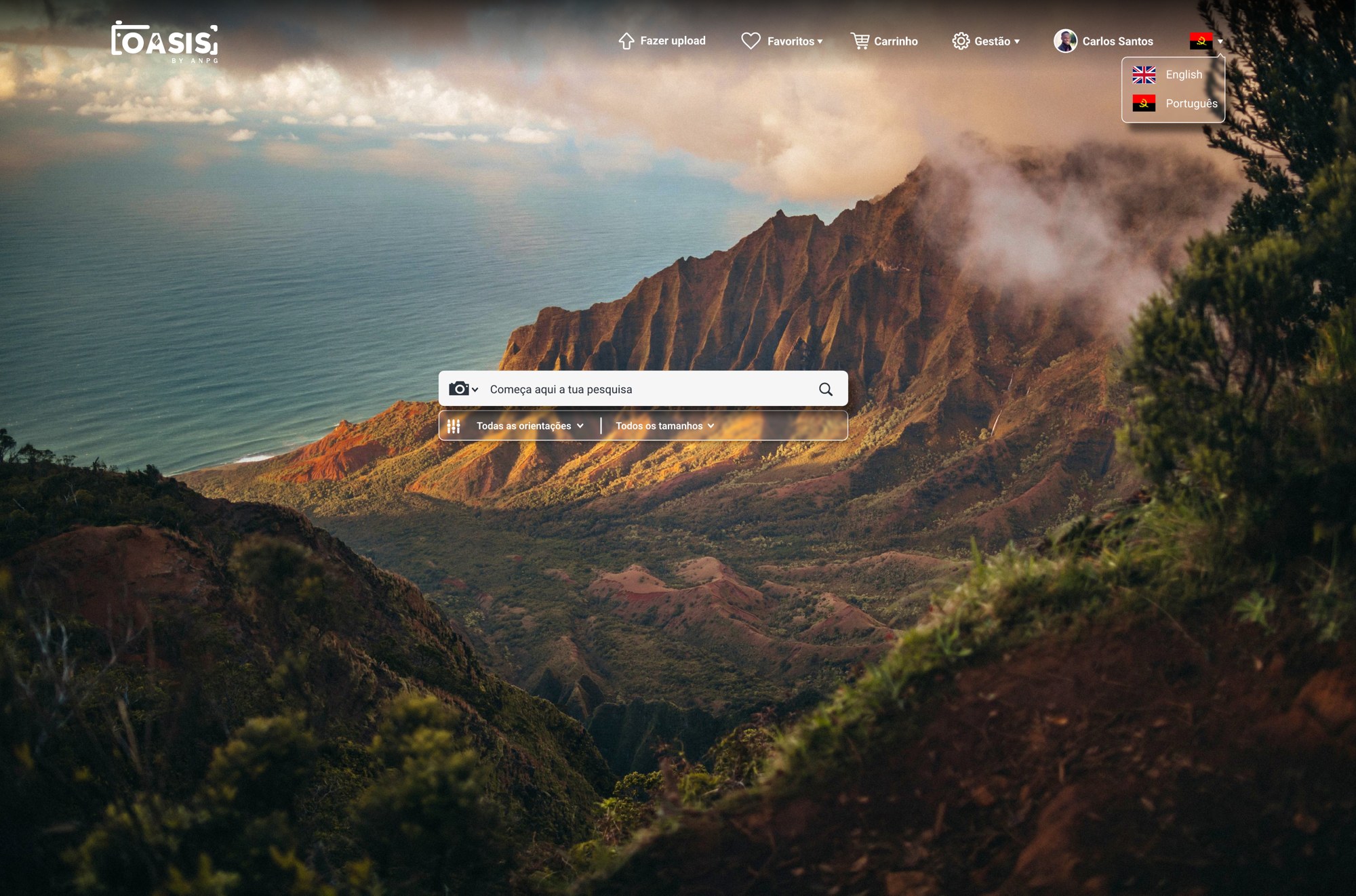
OASIS is a media repository designed for ANPG, allowing users to search, view, save and request access to photos, videos, audio files, documents, maps and logos.
My role as UX/UI Designer was to turn a large archive of digital assets into a clear product experience: easy to search, easy to browse, and controlled enough for internal teams to manage uploads, users and licensing requests.
The problem
ANPG needed a platform where different users could access institutional media assets without turning the process into a manual request workflow.
The challenge was to design an experience that worked for two sides of the platform:
- —External users needed to find relevant files, save them, add them to a cart and request a licence.
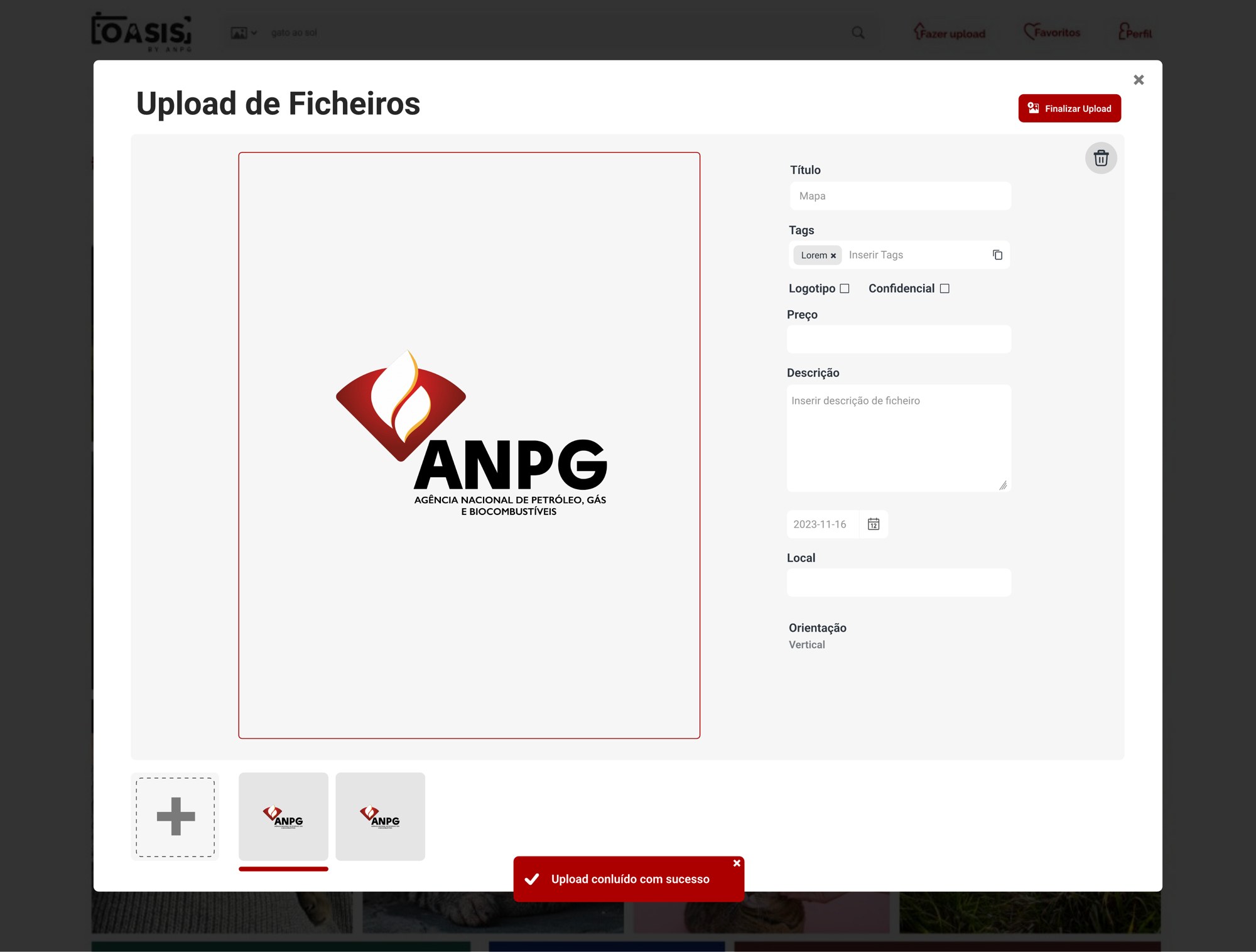
- —Internal users needed to upload assets, manage accounts, review requisitions and control when approved files became available for download.
The solution
I designed OASIS around a search-first experience.
The homepage places search at the centre, with quick filters for file type and attributes, making the platform feel closer to a modern media library than a traditional archive.
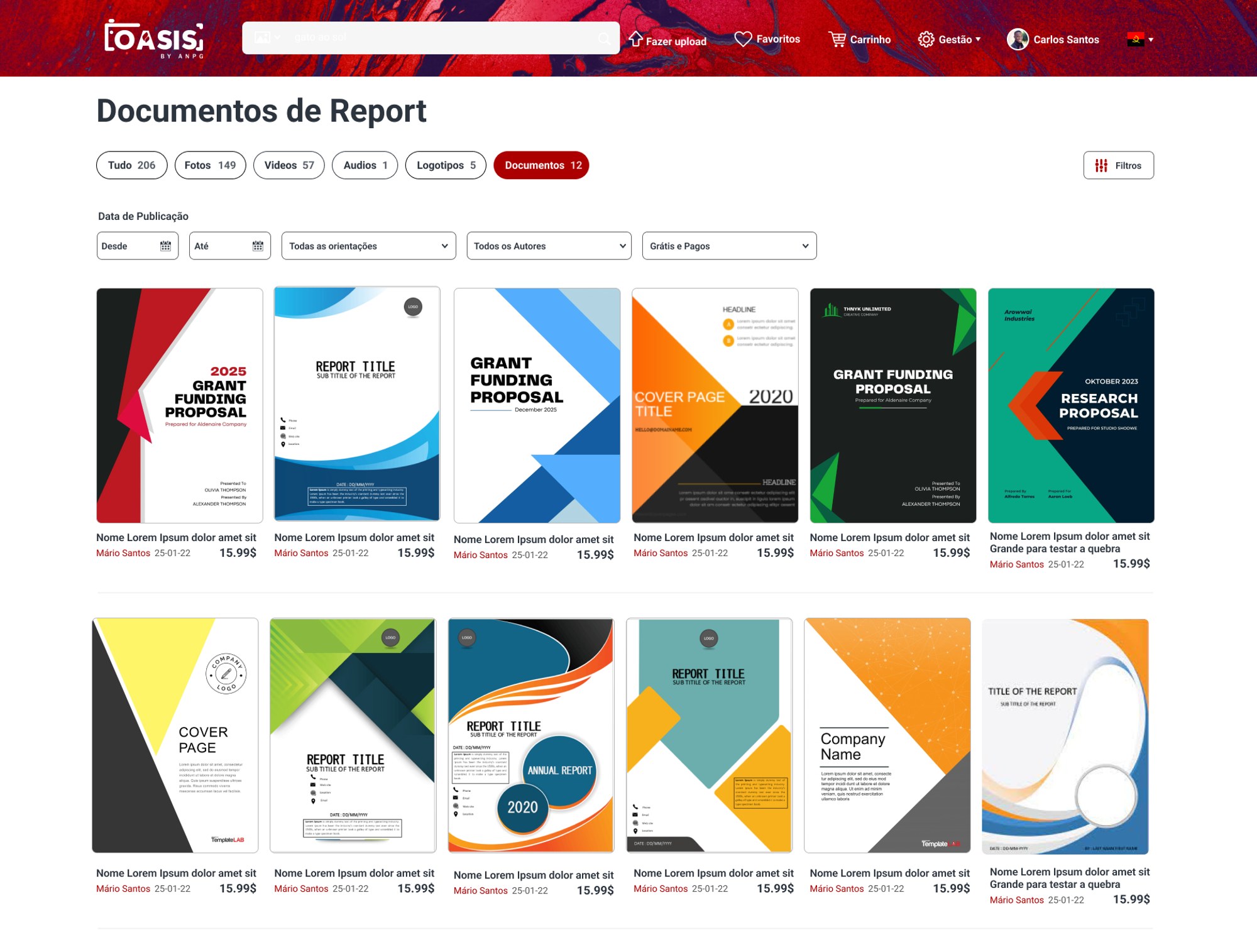
Search results are organised by content type — photos, videos, audio, logos and documents — so users can quickly narrow the archive and compare assets visually.
From there, users can open a file, review its metadata, add it to favourites, share it, download it or include it in a licensing request.
Core user flow
This flow connects discovery and access in one product journey.
Instead of separating browsing from licensing, the platform allows users to move naturally from finding an asset to requesting permission to use it.
Key UX decisions
Search as the main entry point
The archive needed to feel fast. I placed search as the main action and supported it with filters and content categories, helping users start broad and then narrow results.
Visual browsing for media assets
Media results use large preview cards because users need to evaluate assets visually before opening details or requesting access.
Metadata-driven detail pages
Each asset detail page gives users the context they need before taking action: file name, dimensions, size, upload date, downloads, favourites and keywords.
Cart adapted to licensing
The cart works less like a traditional checkout and more like a licence request summary. Users can review selected files, billing data, payment method and total value before submitting.
Admin tools for operational control
Internal users can manage accounts, upload files and review requisitions through structured tables, filters and status indicators. This gives the platform a clear back-office layer behind the public media experience.
Admin and approval flow
For internal users, I designed management screens that make requests easier to track and act on.
Admins can review requisitions, update their status and control the download window. When a requisition becomes active, the system sends the client an email with download links valid for 30 days.
This turns what could be a manual approval process into a structured digital workflow.
My contribution
I worked across the main UX/UI flows of the platform:
- —Search and filtering
- —Media results
- —Asset detail views
- —Favourites
- —Cart and licence request
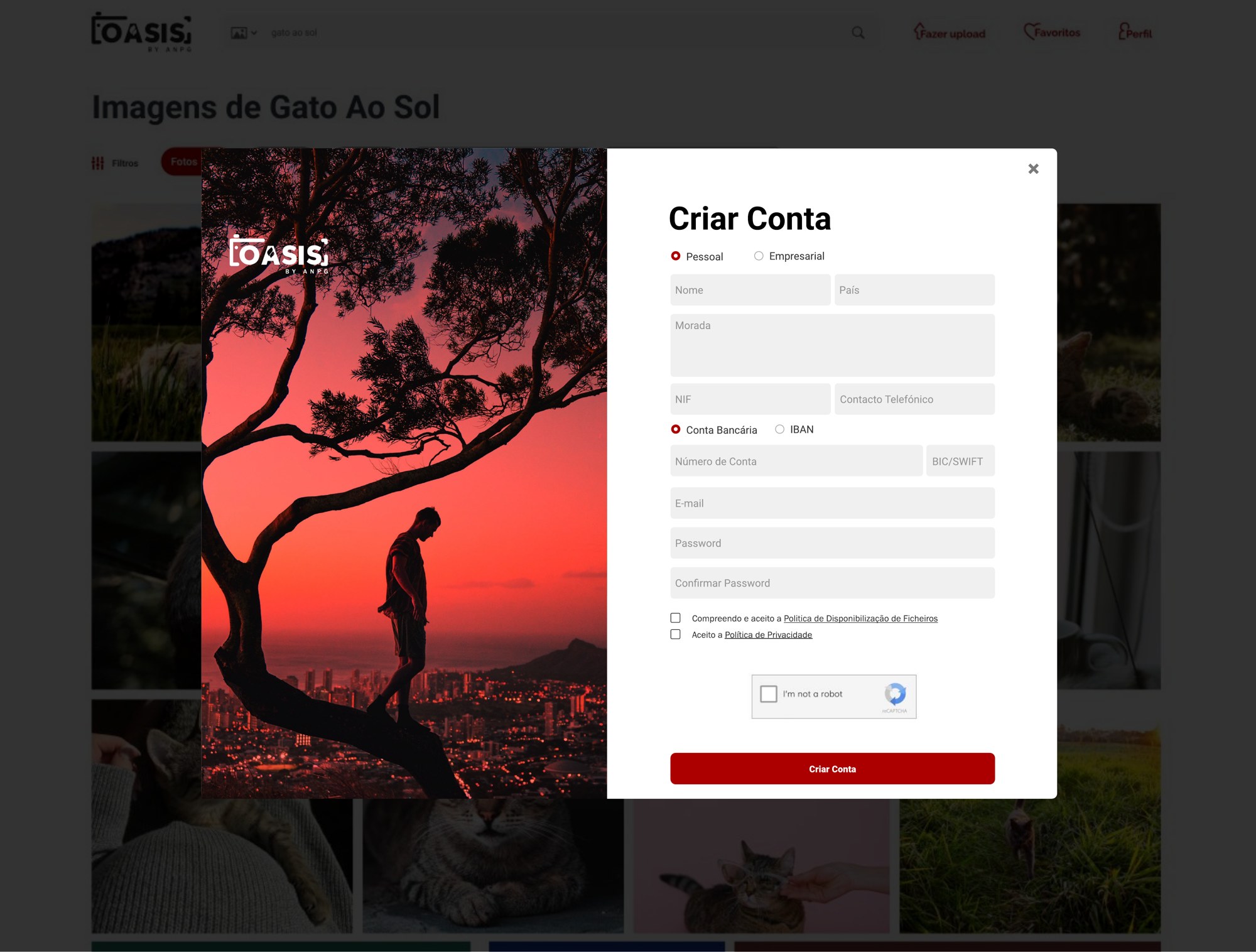
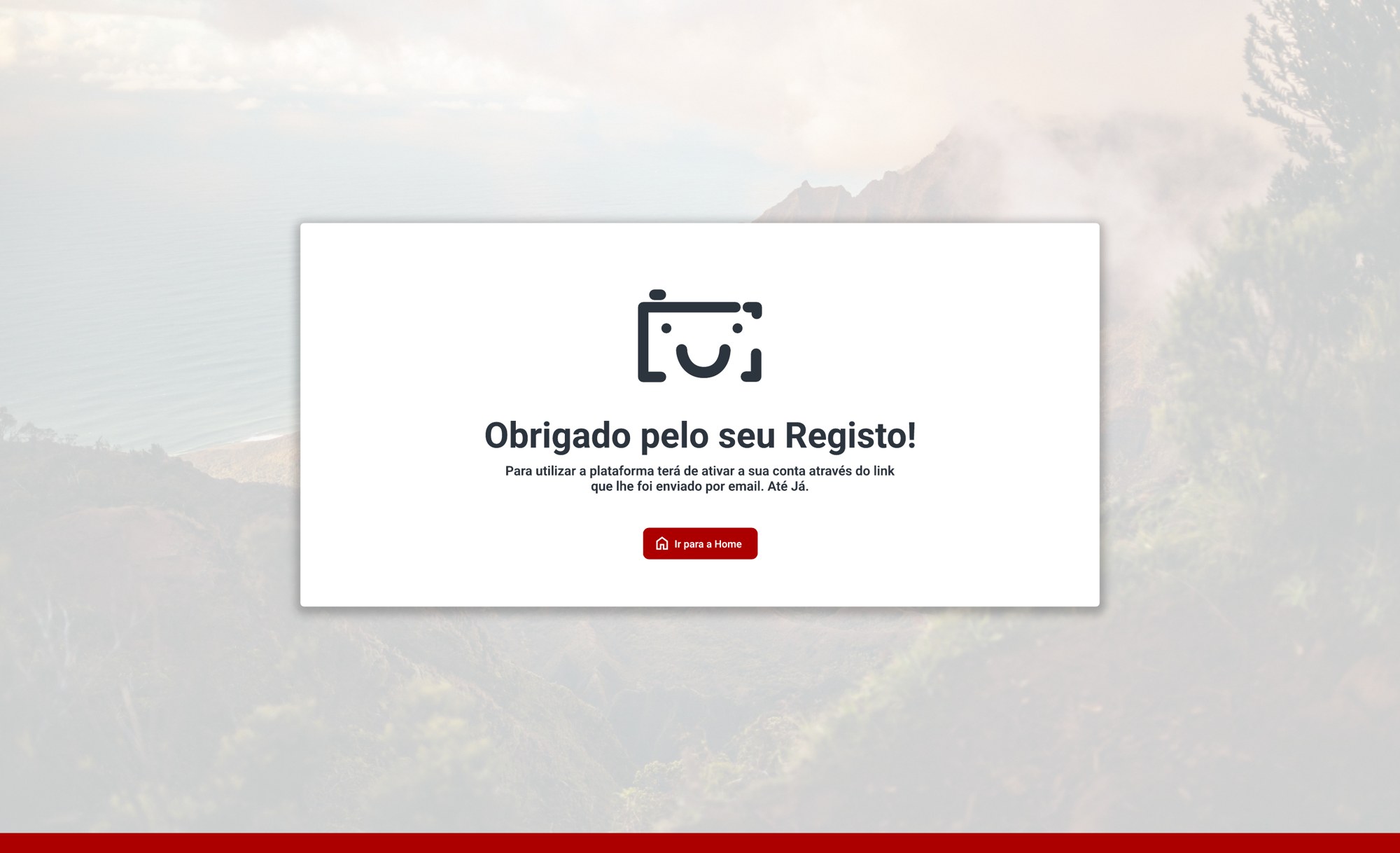
- —Login and account creation
- —Personal and business profiles
- —Upload flow
- —Account management
- —Requisition management
The focus was to make the platform feel simple for users browsing media, while still supporting the operational rules needed by ANPG.
Outcome
The final product connected three important parts of the experience: media discovery, licensing requests and internal management.
OASIS became a platform where users can search and collect assets visually, request access through a clear flow, and receive controlled download access after approval.
For internal teams, it created a structured way to upload content, manage users and control requisitions.